
How to Optimize Your Amazon Listings for Better Visibility and Sales in 2026
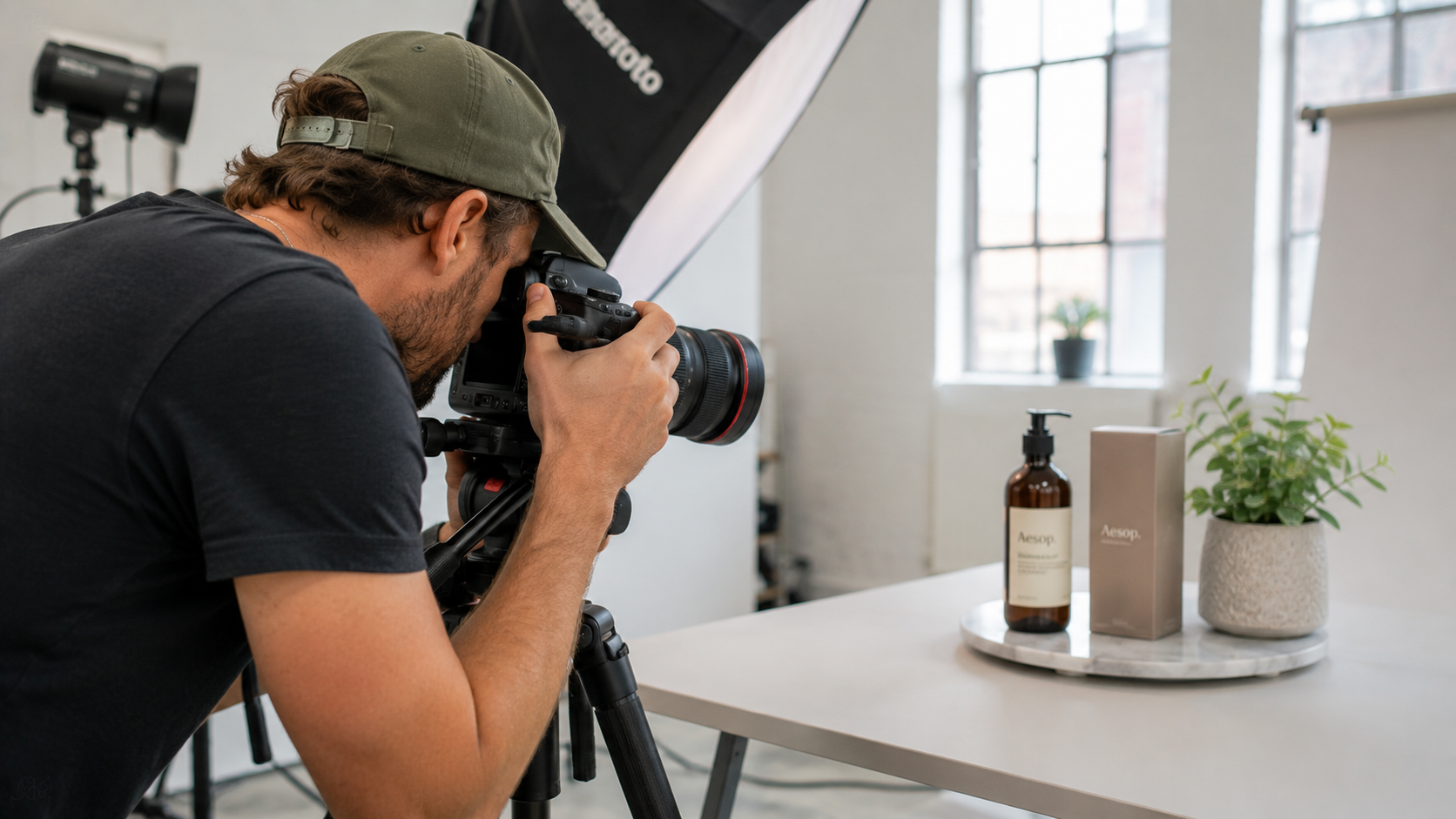
Creating an Amazon listing in 2026 is no longer a "set it and forget it" task. With over 9.7 million sellers globally, throwing up a couple of images and a generic title guarantees one thing: invisibility.
Furthermore, Amazon's algorithm has shifted. They now prioritize Answer Engine Optimization (AEO) and mobile-first indexing to cater to their AI shopping assistant, Rufus. If you want to increase your organic ranking and double your conversion rate, you need a high-converting, fully optimized listing. Here is exactly how the experts at KavaBD do it.
1. The Title: Balance Between SEO and Readability
Your product title is the single most heavily weighted SEO element in Amazon's algorithm. However, keyword stuffing is now actively penalized. A good title must convince both the algorithm to rank you and the human to click you.
The Golden Formula: [Brand Name] + [Core Keyword/Product Name] + [Key Feature/Material] + [Size/Color/Quantity].
Mobile-First Warning
Over 70% of Amazon searches now happen on mobile devices. Mobile screens truncate (cut off) titles after the first 70-80 characters. Ensure your absolute most important keywords and value propositions are placed at the very beginning of the title.

2. Images & Video: Selling Without Words
Amazon allows up to 7 image slots. If you are not using all of them, you are losing sales. Your main image must have a pure white background (RGB 255,255,255) and the product should fill 85% of the frame to improve the Click-Through Rate (CTR).
The remaining 6 slots should be a mix of:
- Lifestyle Images: Show the product in use by your target demographic.
- Infographics: Clearly point out dimensions, materials, and key benefits. Buyers rarely read text anymore; they scan images.
- Shoppable Video: Adding a 30-second unboxing or demonstration video can increase conversions by up to 15%.
3. Bullet Points: Formatting for AEO & Mobile
With Amazon's Rufus AI summarizing product features for buyers, your bullet points must be factual, easy to read, and formatted for Answer Engine Optimization (AEO). The AI looks for specific answers to customer queries.
Start each bullet point with a BOLD ALL-CAPS summary of the benefit, followed by 1-2 sentences of explanation. Avoid excessive emojis or making false medical/environmental claims, as this will trigger an algorithmic suppression.

4. A+ Content & Backend Search Terms
If you are Brand Registered, you must utilize A+ Content. Replacing the boring standard text description with rich, high-resolution imagery and comparison charts helps push competitor ads further down the page and cross-sells your other products.
Secret Weapon: Backend Terms
You have 250 bytes of hidden backend search terms. Do not repeat keywords already in your title. Use this space for common misspellings of your product, Spanish translation terms, and long-tail synonyms that look ugly in the public listing but generate traffic.
Common Listing Optimization Questions
Is Your Listing Bleeding Sales?
A poorly optimized listing wastes your PPC budget and costs you organic rank. Let KavaBD’s SEO experts craft a high-converting, AEO-optimized listing complete with keyword research and A+ content.
Get a Free Listing Audit